Flint
Category
Product design
Domain
Healthcare
Duration
11 month
UX Challenge:
Uniqueness
Designing a website that feels custom and premium, not “template-like”;
Information Architecture
Creating a clear narrative for the agency: services, process, and value proposition;
Scalability
Building a structure that allows fast updates and content scaling without breaking layout or design;
Functionality
Implementing advanced Framer features (components, CMS, interactions) while keeping the site easy to maintain.
UX Challenge:
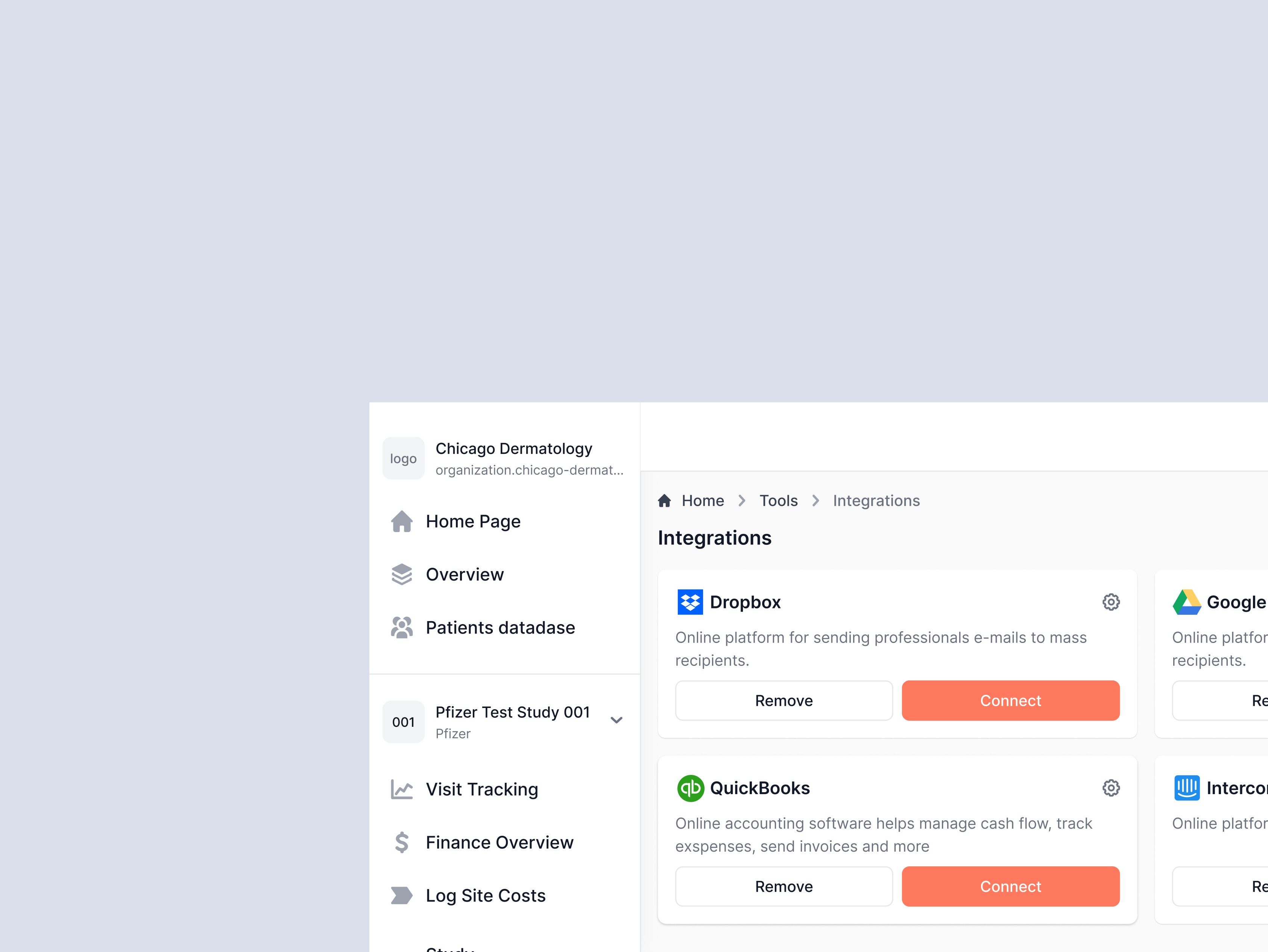
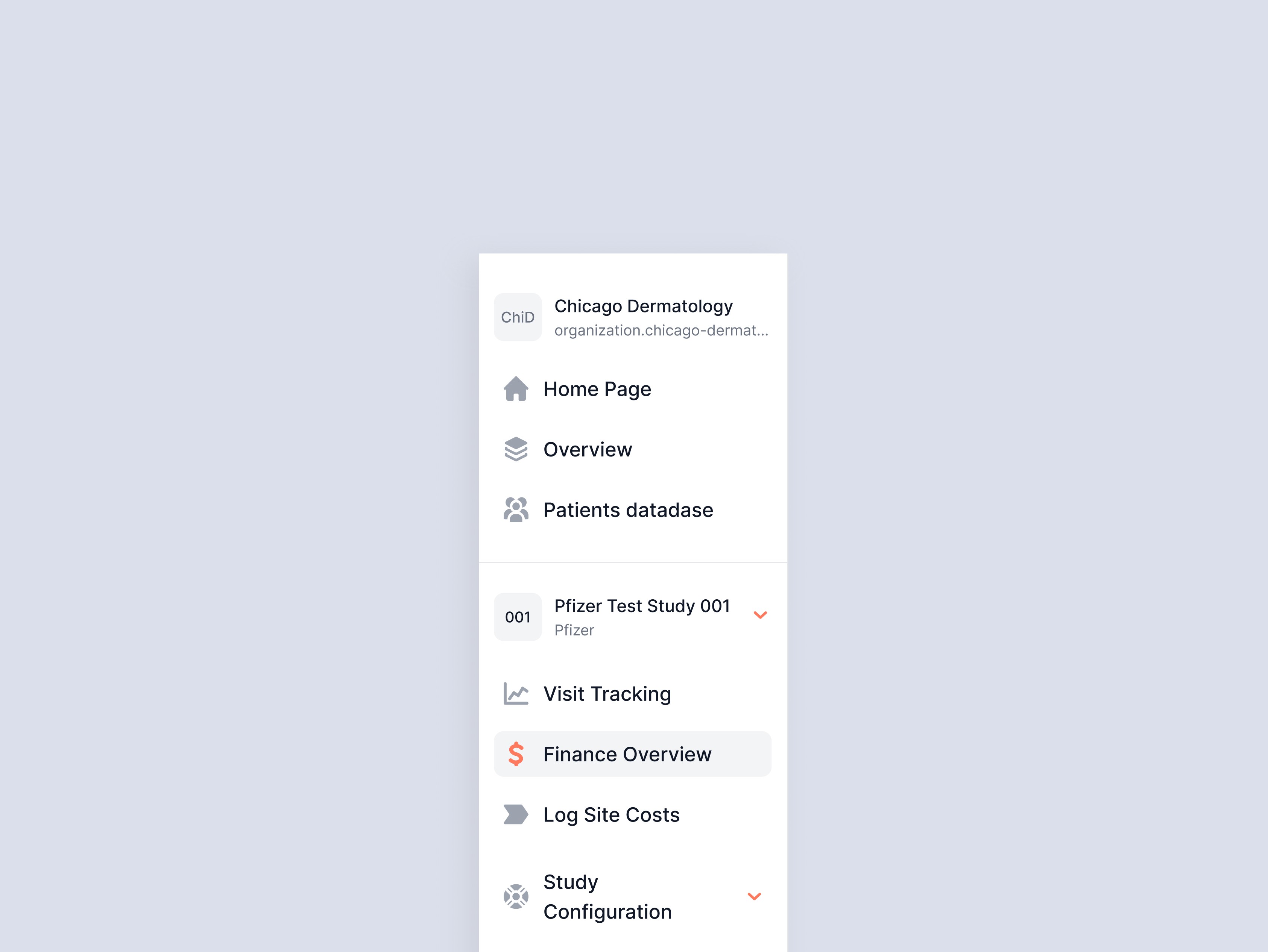
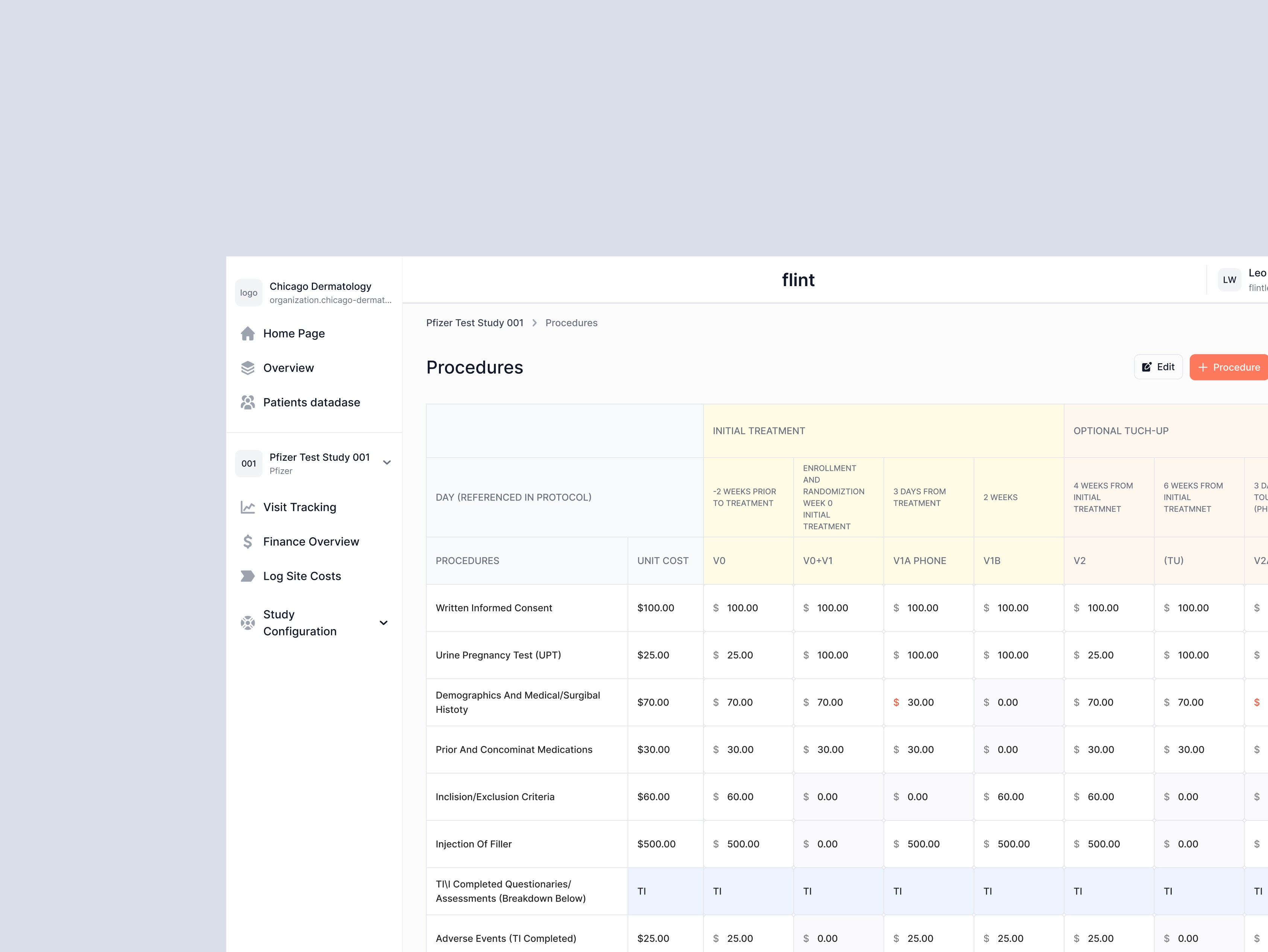
The main UX challenge was to move users away from spreadsheets without breaking their existing workflows or sense of control. Key challenges included: - Preserving the flexibility and familiarity of spreadsheets while improving structure and usability. - Designing an intuitive interface for non-technical users (CRCs and Site Directors). - Ensuring quick access to essential data — subject status, visits, and outstanding tasks — with minimal navigation.
Process & implementation
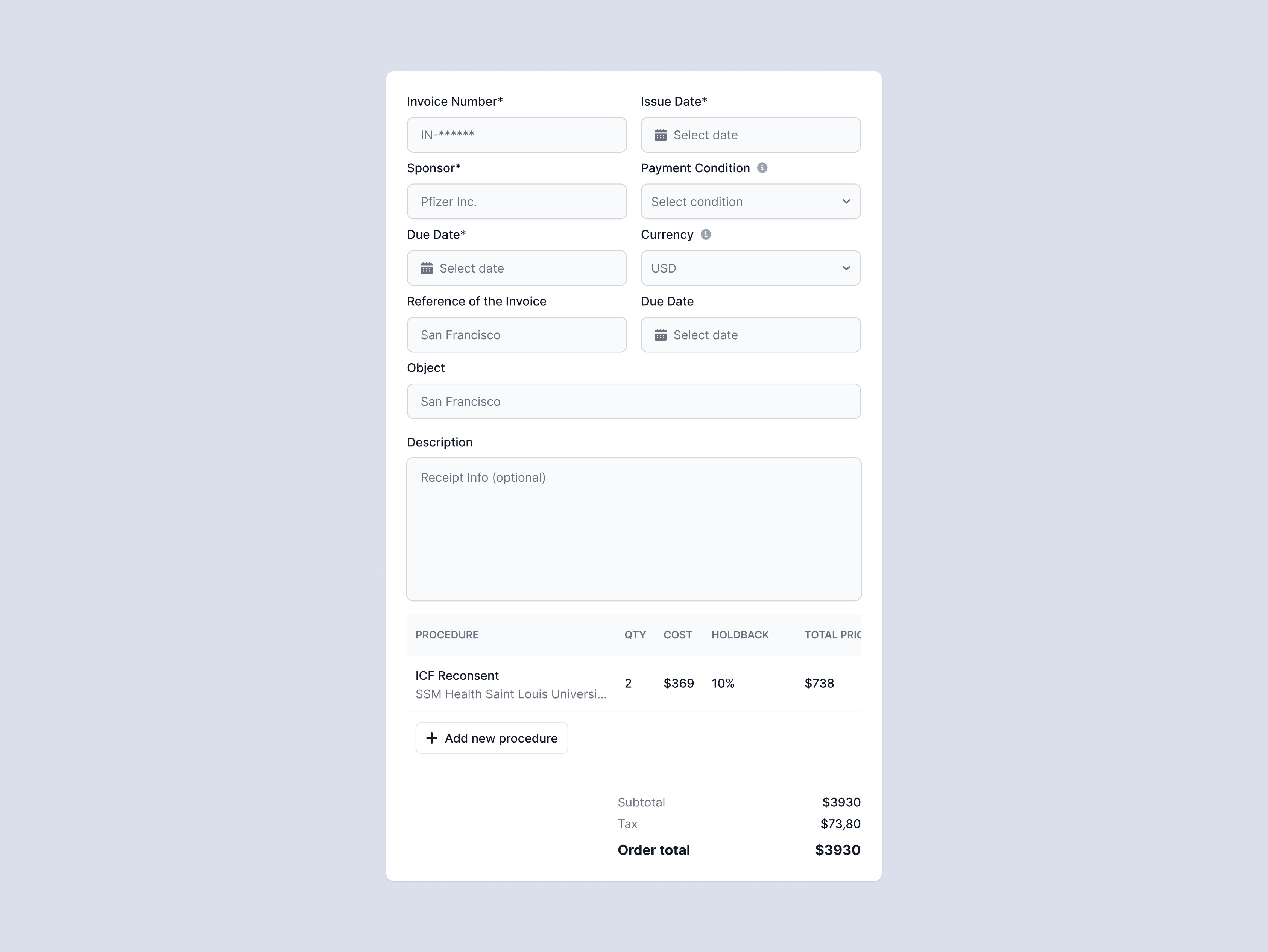
I took part in the discovery phase, analyzing how Clinical Research Coordinators (CRCs) and Site Directors manage their data today. Through interviews and workflow mapping, we identified key pain points: - Hours lost manually updating spreadsheets; - Risk of non-compliance due to incorrect visit schedules; - Difficulty scaling operations without a centralized system. Based on these insights, I designed the user flows and interface for Subject Tracker v0 — the first version of Flint. This release allowed users to: - Add and edit study participants; - Track visits, procedures, and statuses; - Manage and complete operational tasks; - Filter and organize data across studies. The goal was to achieve parity with spreadsheets, but in a cleaner, more structured, and dependable form.
Outcome
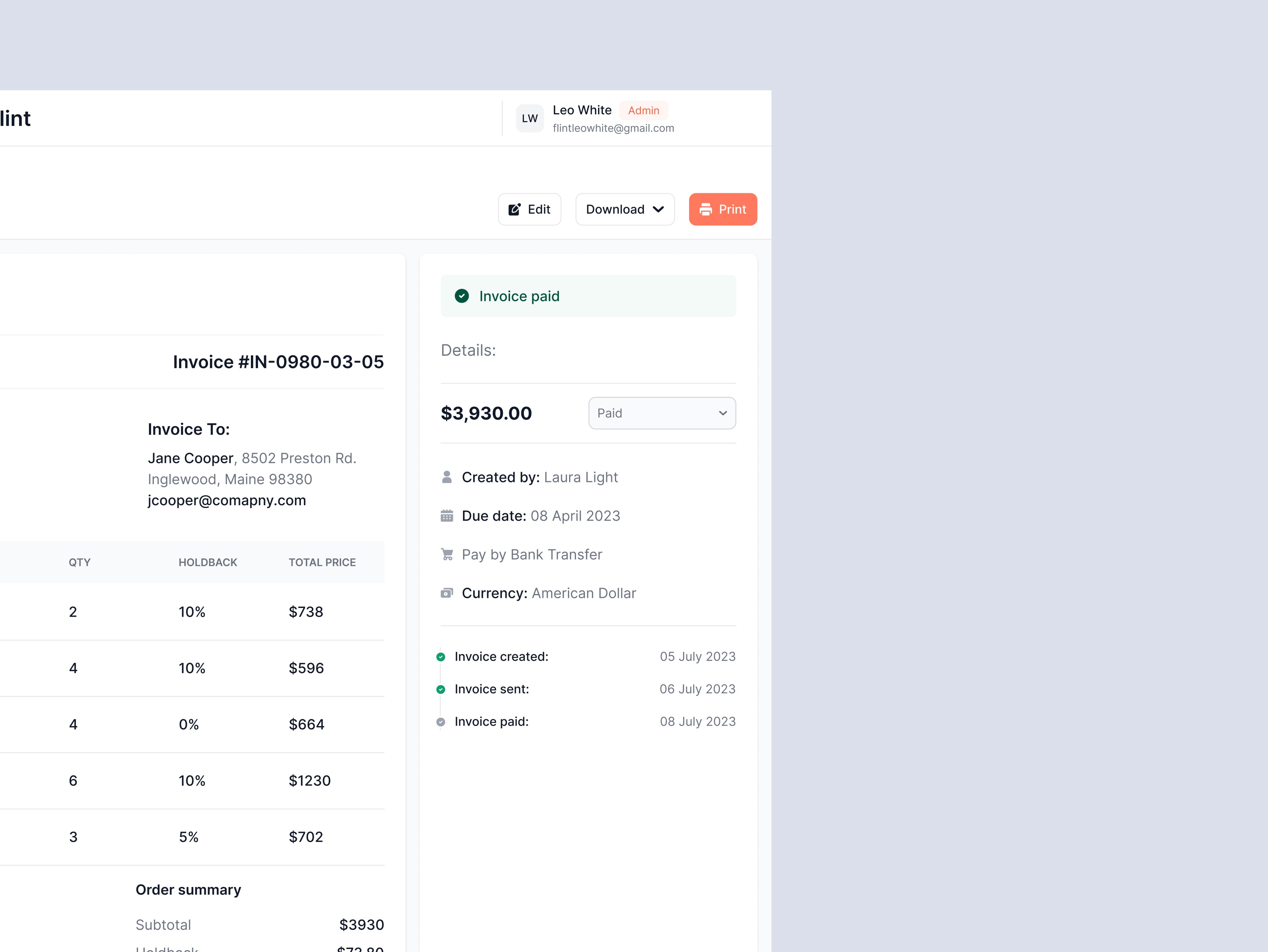
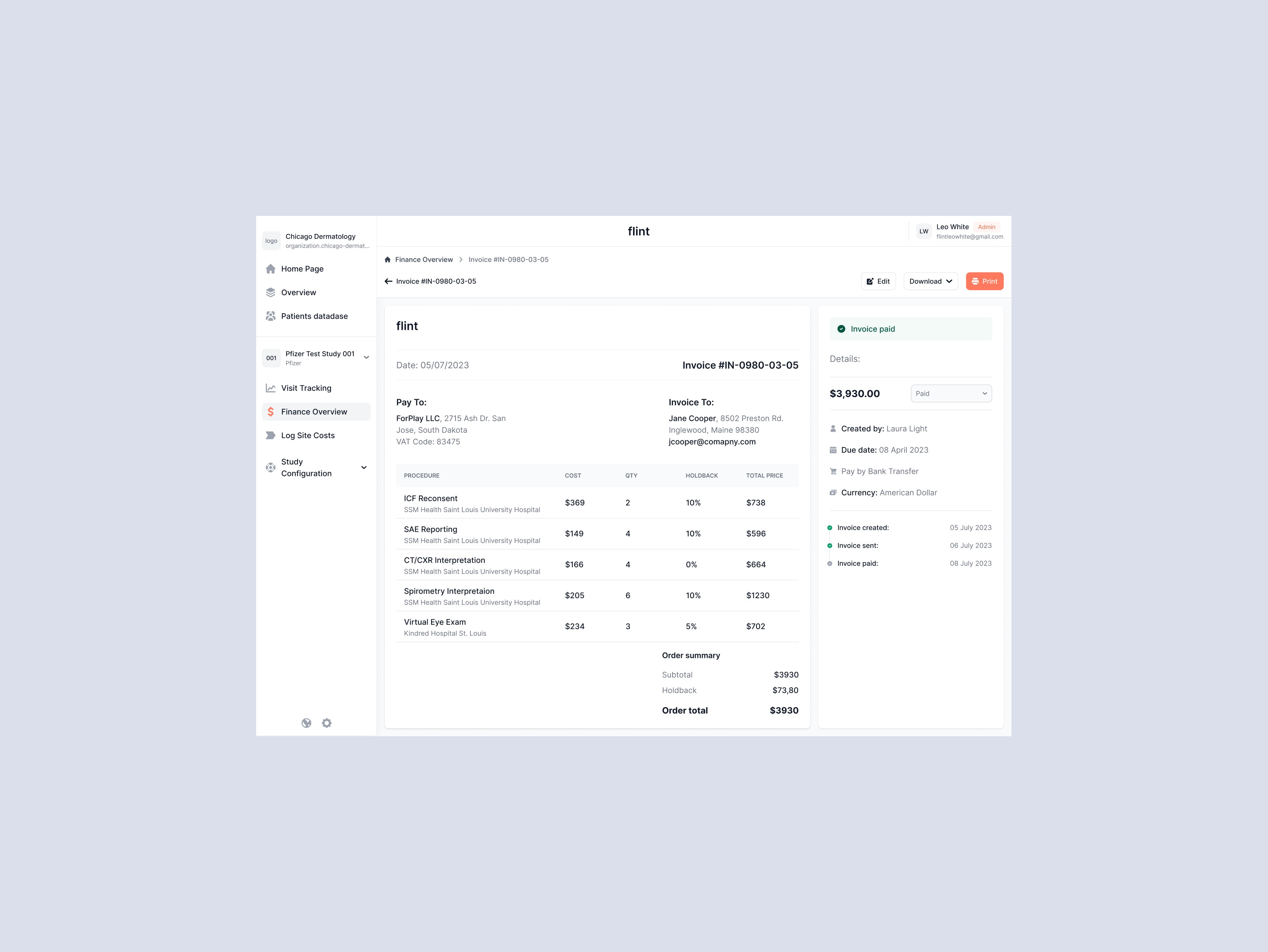
The first version of Flint enabled research sites to: - Transition from manual spreadsheets to a centralized tracking system; - Reduce errors in visit scheduling and data entry; - Save time on administrative tasks; - Build a foundation for future modules — finance, document management, and analytics. Flint became the first step toward a full CTMS platform, helping research sites grow with confidence and efficiency.

Behance
Explore more my UX projects